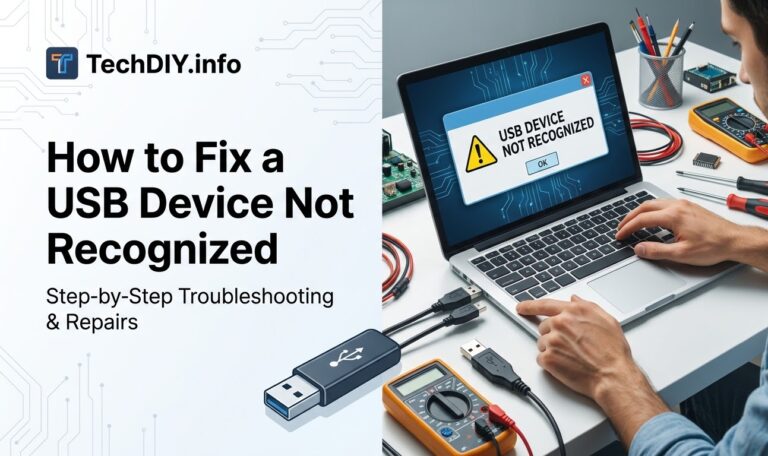
How to Fix a USB Device Not Recognized
You plug in your USB drive and Windows pops up with a dreaded yellow warning: “USB Device Not Recognized.” The drive doesn’t appear in…
You plug in your USB drive and Windows pops up with a dreaded yellow warning: “USB Device Not Recognized.” The drive doesn’t appear in…
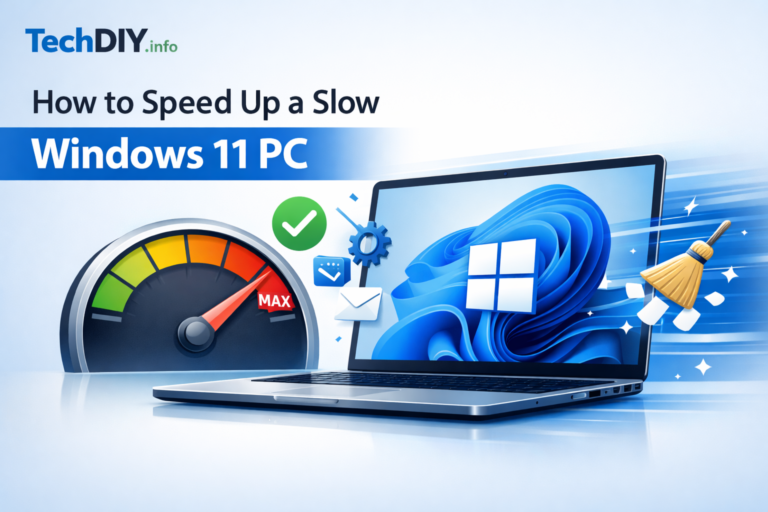
Is your Windows 11 PC crawling through tasks it used to handle in seconds? You are not imagining it. Over time, Windows 11 accumulates…
Most Mac users interact with macOS through its beautiful graphical user interface (GUI). But beneath that polished surface lies the Terminal—arguably the single most…
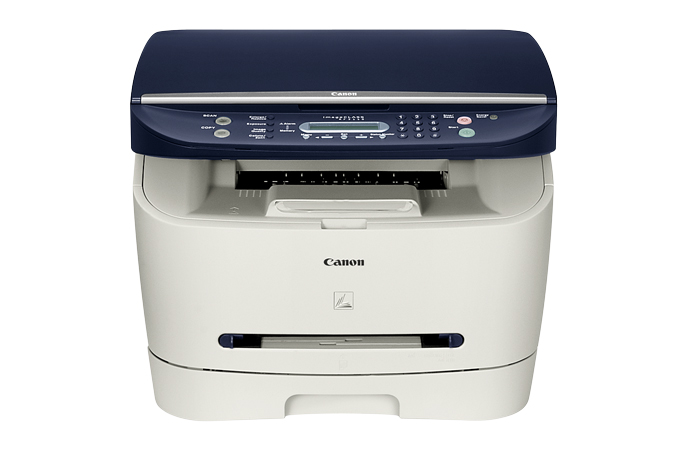
When it comes to old printers find right driver for current Windows version can be a hard job. And for sure driver is essential…
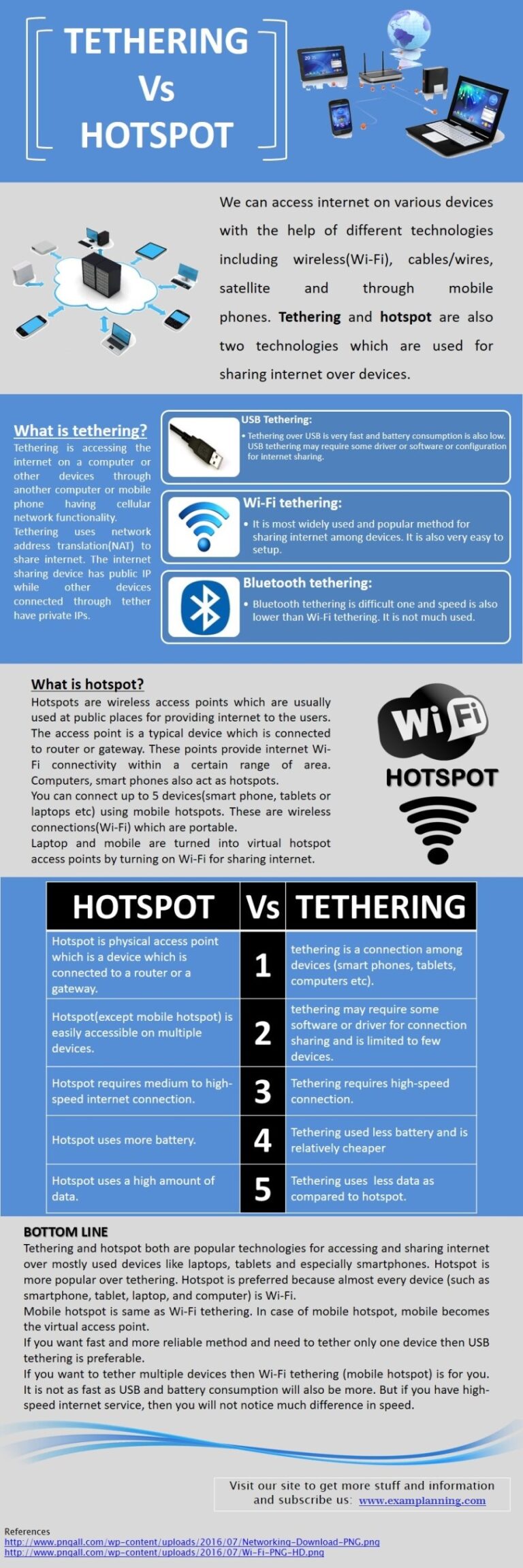
Speed of the internet is faster in tethering. Whereas speed is slow when using the internet with the hotspot. While it requires only a…
Navigate to the Platform Tools folder, right-click, and select Open in Terminal. Open Windows Subsystem for Android, go to Developer, and turn on Developer…
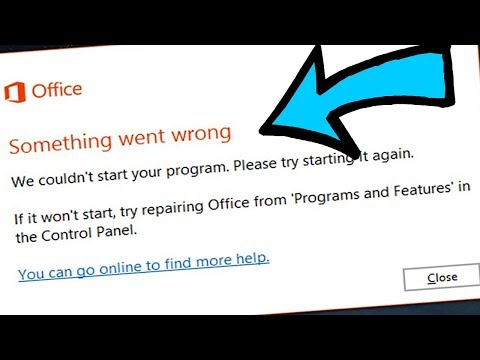
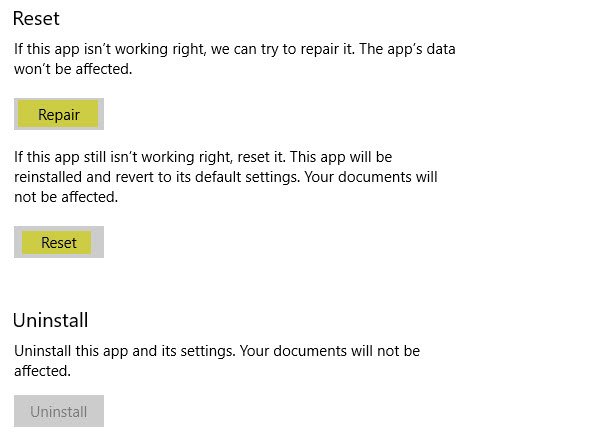
Click Start, and then click Control Panel. Double-click Programs and Features. Click Microsoft 365, and then click Change. Select Quick Repair, and then click…
To restart, simply exit the Microsoft 365 applications, such as Word or Outlook, and start them again. How do I reset my Outlook 365…
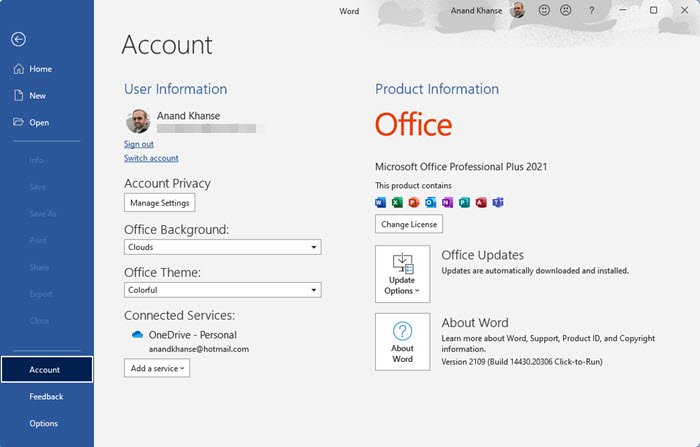
Open an Office program, and then select [File]⑧ at the upper-left corner of the toolbar. Select [Account]⑨, and then click [Activate Product]⑩. How do…
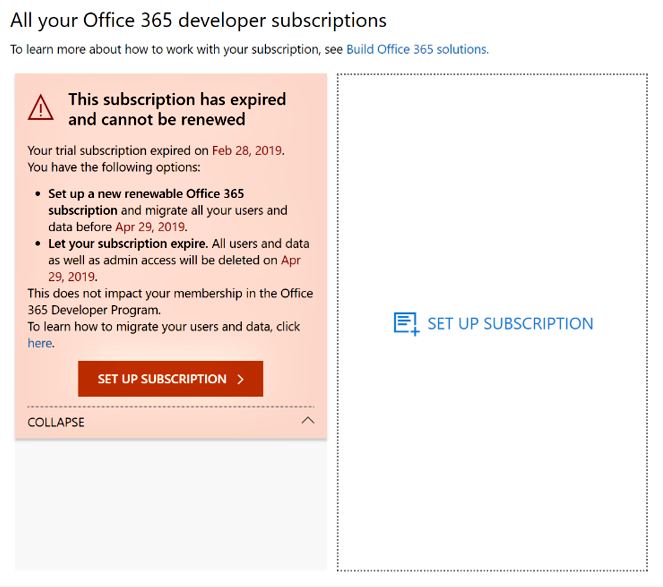
What to expect: The Expired stage lasts for 30 days for most subscriptions, including subscriptions purchased through Microsoft Open, in most countries and regions.…