DIY
DIY
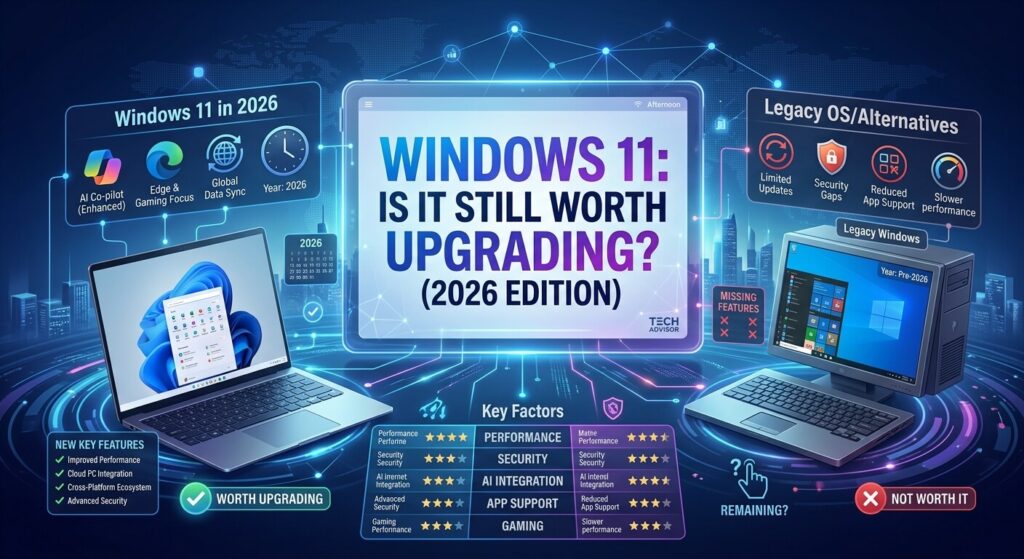
Windows 11 has been available for several years, but many PC users are still asking the same question: Is Windows 11 still worth upgrading to in 2026?
For users who are comfortable with Windows 10, upgrading can feel unnecessary, especially if the computer still performs well. However, Windows 11 has continued to evolve with security improvements, interface changes, productivity features, and better support for newer hardware.

At the same time, compatibility remains an important issue. Not every older computer can officially run Windows 11, and some users may need to replace or upgrade their hardware before making the switch.
So, is Windows 11 worth upgrading to in 2026? The answer depends largely on your computer, how you use it, and whether you prioritize security and long-term software support.
What Is Windows 11?
Windows 11 is Microsoft’s modern desktop operating system and the successor to Windows 10. It introduced a redesigned interface, a centered Start menu, updated Settings, improved window management, and a stronger focus on security and modern hardware.
Microsoft has also continued refining Windows 11 through regular updates rather than treating the original release as a finished product.
The result is an operating system that looks significantly different from older Windows versions while still retaining many familiar features.
For everyday users, Windows 11 can handle tasks such as web browsing, streaming, office work, gaming, video calls, photo editing, and general productivity.
Why Windows 11 Matters More in 2026
One of the biggest reasons Windows 11 deserves attention in 2026 is long-term support and security.
Windows versions do not receive unlimited support. As an operating system reaches the end of its support lifecycle, continuing to use it can become increasingly inconvenient and potentially risky, particularly when security updates are no longer provided normally.
This makes the Windows 11 transition more important for people who want to keep using a Windows PC for several more years.
If your current computer officially supports Windows 11, moving to the newer operating system can also give you access to newer features and compatibility improvements without purchasing an entirely new computer.
Windows 11 System Requirements
Before upgrading, you should check whether your PC meets Microsoft’s requirements.
Windows 11 introduced stricter hardware requirements than Windows 10. Important requirements include a compatible 64-bit processor, sufficient memory and storage, UEFI firmware with Secure Boot capability, and TPM 2.0.
The TPM requirement has been one of the biggest obstacles for owners of older PCs.
A computer can appear fast enough to run Windows 11 but still fail Microsoft’s official compatibility checks because of its processor, TPM configuration, or firmware settings.
Why TPM 2.0 Is Important
TPM stands for Trusted Platform Module. It is a security technology designed to help protect encryption keys, authentication information, and other security-related data.
Windows 11 uses modern security technologies that take advantage of hardware-based protections.
If your computer has TPM 2.0 but it is disabled in the firmware, you may be able to enable it without buying new hardware. However, the exact process depends on the motherboard and computer manufacturer.
Is Windows 11 Faster Than Windows 10?
This is one of the most common questions from people considering an upgrade.
The answer isn’t simply yes or no.
Performance can vary depending on the processor, RAM, storage drive, graphics hardware, drivers, applications, and Windows configuration.
On a relatively modern computer, Windows 11 can feel fast and responsive. On an older machine with limited resources, however, the difference may be less impressive.
For everyday tasks such as browsing, documents, email, and video streaming, most users with reasonably modern hardware should have no major performance concerns.
Gaming performance can also vary from system to system. Driver support and individual game optimization often matter more than the Windows version alone.
The Windows 11 Interface
The visual redesign is one of the first things you’ll notice after upgrading.
The Start menu and taskbar have a more modern appearance, windows have rounded corners, and many system menus have been redesigned.
The Settings application has also received a major visual overhaul.
For users coming from Windows 10, the interface may initially feel unfamiliar. Some options have moved, and certain traditional workflows have changed.
However, after spending some time with the operating system, most users can adapt to the new layout.
If you prefer a highly customizable desktop experience, Windows 11 may also require some adjustment because Microsoft has changed several aspects of the traditional Windows interface.
Multitasking Is One of Its Best Features
One area where Windows 11 stands out is multitasking.
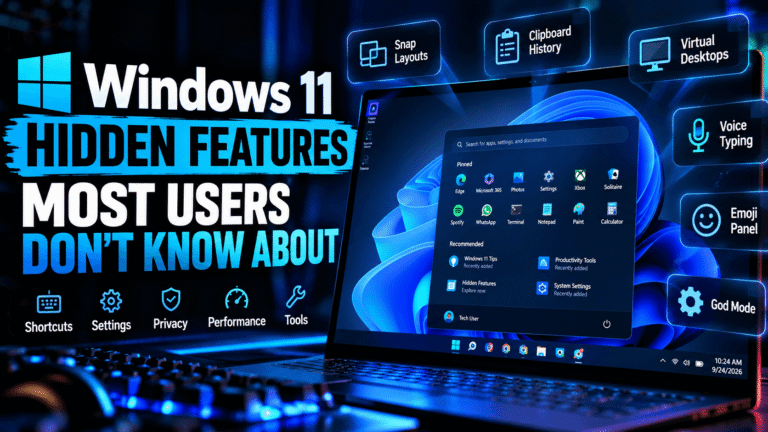
Snap features make it easier to organize multiple applications on the desktop. Instead of manually resizing every window, you can arrange applications into predefined layouts.
This can be particularly useful if you regularly work with a browser, documents, spreadsheets, messaging applications, and other programs at the same time.
Users with larger monitors or multiple displays can benefit even more from improved window management.
For students, remote workers, developers, researchers, and professionals who regularly switch between applications, these features can make Windows 11 feel considerably more productive.
Windows 11 and Gaming
Gaming is another major reason people consider upgrading.
Modern gaming PCs increasingly use newer processors, graphics cards, storage technologies, and security features that align well with Windows 11.
Microsoft has also continued improving the operating system’s gaming experience.
However, upgrading Windows alone won’t magically make an old computer a high-performance gaming machine.
If your hardware is several generations old, upgrading components such as the GPU, CPU, RAM, or SSD may have a much larger impact on gaming performance than changing the operating system.
For newer gaming PCs, however, Windows 11 is generally the natural Windows platform to use going forward.
Security Improvements
Security is arguably the strongest reason to move to a newer supported Windows version.
Windows 11 was designed around modern security requirements, including TPM 2.0 and Secure Boot on supported systems.
These technologies can help protect the computer against certain types of attacks and unauthorized modification of the boot process.
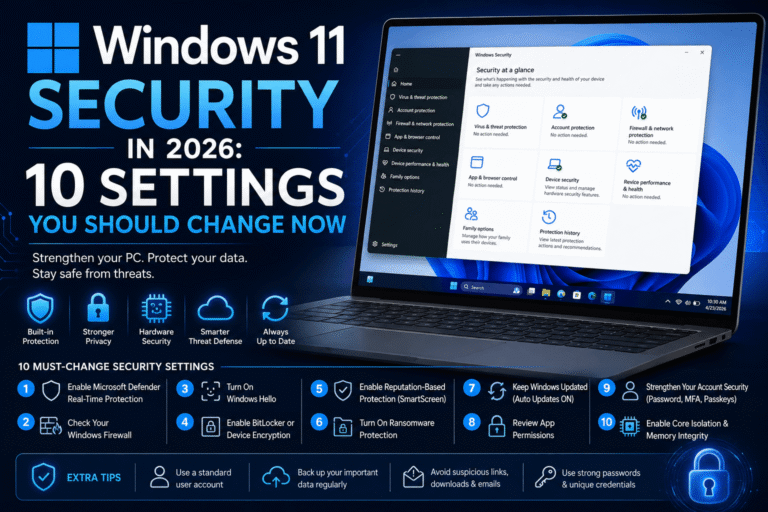
Windows 11 also includes built-in security features through Windows Security, including antivirus and firewall protections.
No operating system can make a computer completely immune to malware or scams, though. Users should still install updates, use strong passwords, avoid suspicious downloads, and be careful with unexpected email attachments and links.
What About Compatibility?
Compatibility is probably the biggest concern for some users.
Before upgrading, check your important applications, peripherals, printers, scanners, and other devices.
Most commonly used applications work normally on Windows 11, but specialized software and older hardware can sometimes create problems.
If your computer is used for work, school, business, or another important purpose, it is worth checking compatibility before making a major operating system change.
You should also create a backup of important files before upgrading.
Should You Buy a New PC for Windows 11?
Not necessarily.
If your current PC meets Windows 11’s requirements and performs well, upgrading the operating system may be enough.
A new computer becomes more attractive if your existing system:
- Does not meet Windows 11 requirements
- Has an unsupported processor
- Does not have the required security hardware
- Has very limited RAM
- Uses a slow mechanical hard drive
- Struggles with everyday applications
- Has poor battery life or aging hardware
- Is no longer receiving appropriate manufacturer support
In some cases, upgrading from an HDD to an SSD or adding memory can dramatically improve the experience.
Should You Upgrade From Windows 10?
For many users, the decision in 2026 comes down to one major consideration: how long you want to keep your current setup and what support your current Windows version has.
If your PC is compatible with Windows 11, there are relatively few reasons to remain on an older operating system indefinitely.
Windows 11 provides a newer platform, modern security features, and a longer-term path for users who want to continue using Windows.
However, if you rely on older software or specialized hardware that does not work properly with Windows 11, you should investigate compatibility before upgrading.
Is Windows 11 Worth It in 2026?
For most users with compatible hardware, yes, Windows 11 is still worth upgrading to in 2026.
Its strongest advantages are not necessarily a dramatic change in speed. Instead, the benefits come from security, continued development, modern hardware compatibility, multitasking features, and Microsoft’s ongoing Windows ecosystem.
The upgrade makes the most sense when your computer already meets the requirements and you plan to keep using it for several years.
If your computer is too old for official compatibility, forcing an unsupported installation may not be the best choice for an everyday machine. In that situation, a hardware upgrade or a newer PC can provide a more reliable long-term solution.
Things to Do Before Upgrading
Don’t start the upgrade before preparing your computer.
Here are some simple steps to take first:
1. Back Up Important Files
Make sure important documents, photographs, videos, and other files are backed up.
Cloud storage, an external drive, or another reliable backup method can help protect your data.
2. Check Compatibility
Use Microsoft’s official compatibility tools or Windows Update to determine whether your PC is eligible.
3. Update Your Applications
Install the latest versions of important applications before upgrading where possible.
4. Check Your Drivers
Graphics, chipset, network, printer, and other hardware drivers should be compatible with Windows 11.
5. Make Sure You Have Enough Free Storage
An operating system upgrade requires available disk space, and having some additional free space can make the process smoother.
Windows 11: Pros and Cons
Pros
- Modern interface
- Stronger focus on hardware security
- Improved multitasking
- Better fit for newer PCs
- Continued feature development
- Modern gaming and hardware support
- Familiar Windows environment
Cons
- Stricter hardware requirements
- Some interface changes take time to learn
- Older PCs may not be officially supported
- Some legacy hardware or software may have compatibility issues
- Certain users may prefer the Windows 10 interface
Final Verdict
So, is Windows 11 worth upgrading to in 2026?
For a compatible computer, the answer is generally yes.
Windows 11 has matured significantly since its initial release. It combines a redesigned interface with modern security features, improved productivity tools, and support for today’s PC hardware.
The upgrade is particularly appealing if you plan to keep your computer for several more years and want to stay on a modern, supported Windows platform.
However, don’t upgrade blindly. Check your hardware, back up your files, and make sure your important applications and devices are compatible first.
If your computer meets the requirements and there are no major compatibility concerns, Windows 11 is a sensible upgrade for most users in 2026.
Frequently Asked Questions
Is Windows 11 still good in 2026?
Yes. Windows 11 remains Microsoft’s current mainstream desktop operating system and offers modern security, productivity, and hardware features.
Should I upgrade from Windows 10 to Windows 11?
If your computer officially supports Windows 11, upgrading is generally worth considering, particularly if you want a modern Windows platform for the coming years.
Does Windows 11 make a PC faster?
Not necessarily. Performance depends heavily on the hardware and software configuration. A modern PC can run Windows 11 very well, while an older PC may see little or no performance improvement.
Can an old PC run Windows 11?
Some older computers may technically run Windows 11, but Microsoft’s official requirements are stricter than those of Windows 10. Unsupported installations can also create compatibility and support concerns.
Is Windows 11 better for gaming?
Windows 11 is well suited to modern gaming PCs, particularly newer hardware. Actual gaming performance depends on the entire system, including the processor, graphics card, RAM, storage, drivers, and game optimization.
Should I buy a new computer for Windows 11?
Only if your current computer cannot meet your needs or does not officially support Windows 11. If your existing PC is compatible and performs well, an operating system upgrade may be sufficient.