DIY
DIY
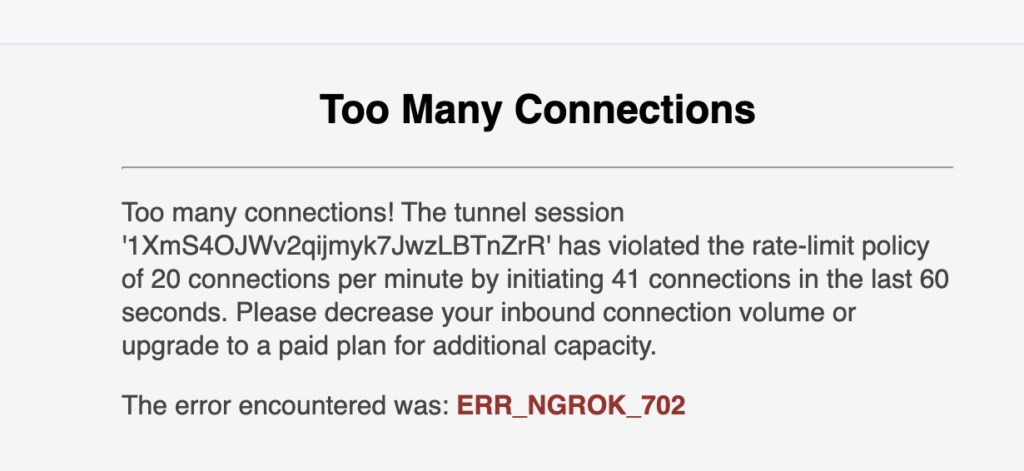
So, your site is down. Your app is throwing a “Too many connections” error, and your first instinct is to panic. Don’t. As a developer or admin, this is one of the most common fires you’ll have to put out. It’s not just a MySQL problem; it’s a *symptom* of a deeper issue, usually in your application’s code.
The error is simple: your application has opened more connections to the database than the server is configured to allow. But the solution isn’t just “allow more.” Let’s walk through this like a pro, from the quick fix to the *real* fix.

Step 1: The Pro Diagnosis (What’s Actually Happening?)
Before you change anything, you need to play “database detective.” You need to answer three questions: What’s my limit? How many connections are active? And who is using them?
Log in to your MySQL terminal as a root or privileged user.
1. How to Check Your Max Connection Limit
First, let’s see what your server’s limit is. This is stored in the `max_connections` variable.
mysql> SHOW VARIABLES LIKE 'max_connections';You’ll get a result like `max_connections | 151`. The default is often 151. This is your “hard cap.”
2. How to Check Your Current Active Connections
Now, let’s see how many connections are *actually* active. This is the most important number.
mysql> SHOW STATUS LIKE 'Threads_connected';If this number is `151` (or whatever your max is), your server is full. This confirms the problem.
3. How to See *Who* Is Connected
This is the most critical diagnostic. The `SHOW PROCESSLIST` command will give you a list of every single active connection (or “thread”).
mysql> SHOW PROCESSLIST;Scan this list. Do you see a pattern?
- The “Rookie Mistake”: You see 150 connections all from the same user (e.g., `your_app_user`) from the same host, and most of them are in a “Sleep” state.
- The “Pro Insight”: This is your “smoking gun.” A “Sleep” state means the connection is open, but it’s not doing anything. This is a classic sign of an **unclosed connection** or a **broken connection pool** in your application (PHP, Node.js, Python, etc.). Your app is opening new connections for every query and never closing them.
Step 2: The Quick Fix vs. The *Real* Fix
You have two options. One gets your site back up in 30 seconds. The other *keeps* it from ever going down again.
The Quick Fix (The “Rookie Move”)
The “panic” move is to just increase the `max_connections` limit. I’ll show you how, but you must understand: **this is a temporary band-aid.** If your app is leaking connections, it will just fill up the new, higher limit and crash again.
To *temporarily* increase the limit (until the next restart), run this:
mysql> SET GLOBAL max_connections = 300;To make this change *permanent*, you must edit your MySQL configuration file (my.cnf or my.ini). Find the [mysqld] section and add or edit this line:
[mysqld]
max_connections = 300
Then restart your MySQL server.
Warning: Don’t just set this to 1000. Each connection uses RAM. Jacking this up on a small server can exhaust your server’s memory and crash the whole machine, which is *way* worse.
The *Real* Fix (The “Pro Move”)
The error is a symptom. The disease is your application. 99% of the time, the *real* fix is in your code or your server’s timeout settings.
| Solution | What It Does | Why You Do It |
|---|---|---|
| 1. Fix Your App Code | Implement connection pooling. | This is the #1 fix. Your app should *not* create a new connection for every query. It should “borrow” an existing, open connection from a small, shared pool (e.g., a pool of 10-20 connections) and return it when done. |
| 2. Lower Timeout Variables | Run: `SET GLOBAL wait_timeout = 60;` | The `wait_timeout` is how many seconds MySQL will wait for a “sleeping” connection before it automatically kills it. The default is often 28800 (8 hours!). This is insane. Setting it to 60 or 120 seconds will automatically clean up the “sleep” threads your broken app is leaving behind. |
| 3. Manually Kill Connections | Run: `KILL 1234;` (where 1234 is the “Id” from `SHOW PROCESSLIST`) | This is a “surgical strike.” If you see a few queries that are “stuck” (e.g., “Time” is 500+ seconds), you can manually kill them to free up a slot. This is a manual, temporary fix. |
A Note on Other Systems (SQL Server, etc.)
While this article focuses on MySQL, the concept is universal. The error just has a different name.
- In Microsoft SQL Server, this is governed by “user connections.” The default is very high (32,767), so if you see this error, you have a *massive* application-level leak. You can check it with `sp_configure ‘user connections’`.
- In FileZilla (FTP), a “too many connections” error is an FTP server setting, not a database setting. You need to go into your FileZilla *Site Manager > Transfer Settings* and check “Limit number of simultaneous connections” to a low number like `5`.
Conclusion: Stop Treating the Symptom
The “Too many connections” error is a warning light on your dashboard. You *can* just put a piece of tape over it (by increasing `max_connections`), but you’re not fixing the engine.
A pro developer treats this as a critical application bug. Check your `PROCESSLIST`, find the “sleep” connections, and go fix your code. Lowering your wait_timeout is the best server-side defense against a leaky app. That’s how you fix the “Too many connections” error for good.