DIY
DIY
Today we drop every method to check non VBV vs VBV status. BIN checkers. Test transactions. Manual verification. Vendor proof. Step by step. No fluff. Just the methods that work in 2026. If you are serious about carding, start here. This is the How To Check If It’s Non VBV Bins or VBV Bins – Updated Guide 2026.
No cap, this is the most critical skill in the game. You can have the best ghost setup, the cleanest proxies, and the perfect target site. But if you are using a VBV card, you will hit a 3DS wall every single time. The transaction dies before it even starts. You need to know how to check if a bin is non VBV or VBV before you attempt to use it.

What Is the Difference Between Non VBV and VBV Bins
Before you can check, you need to understand what you are checking for.
VBV stands for Verified by Visa. Mastercard has a similar system called SecureCode. When a card is VBV enabled, online transactions trigger a verification step. The customer gets a popup asking for a password. Or they receive a one time code via SMS. Or they get a push notification on their banking app. Without that verification, the transaction declines.
Non VBV cards skip this step entirely. The transaction either approves or declines based on AVS, IP, fingerprint, and cart value. No 3DS popup. No OTP. No bank app push. This makes them the foundation of any successful carding method in 2026.
Knowing which bins are non VBV is critical. You cannot just buy any card and expect it to work. You need to target the right bins. This guide shows you exactly how to check.
Check If It’s Non VBV Bins or VBV Bins
Method 1 – BIN Checker Tools
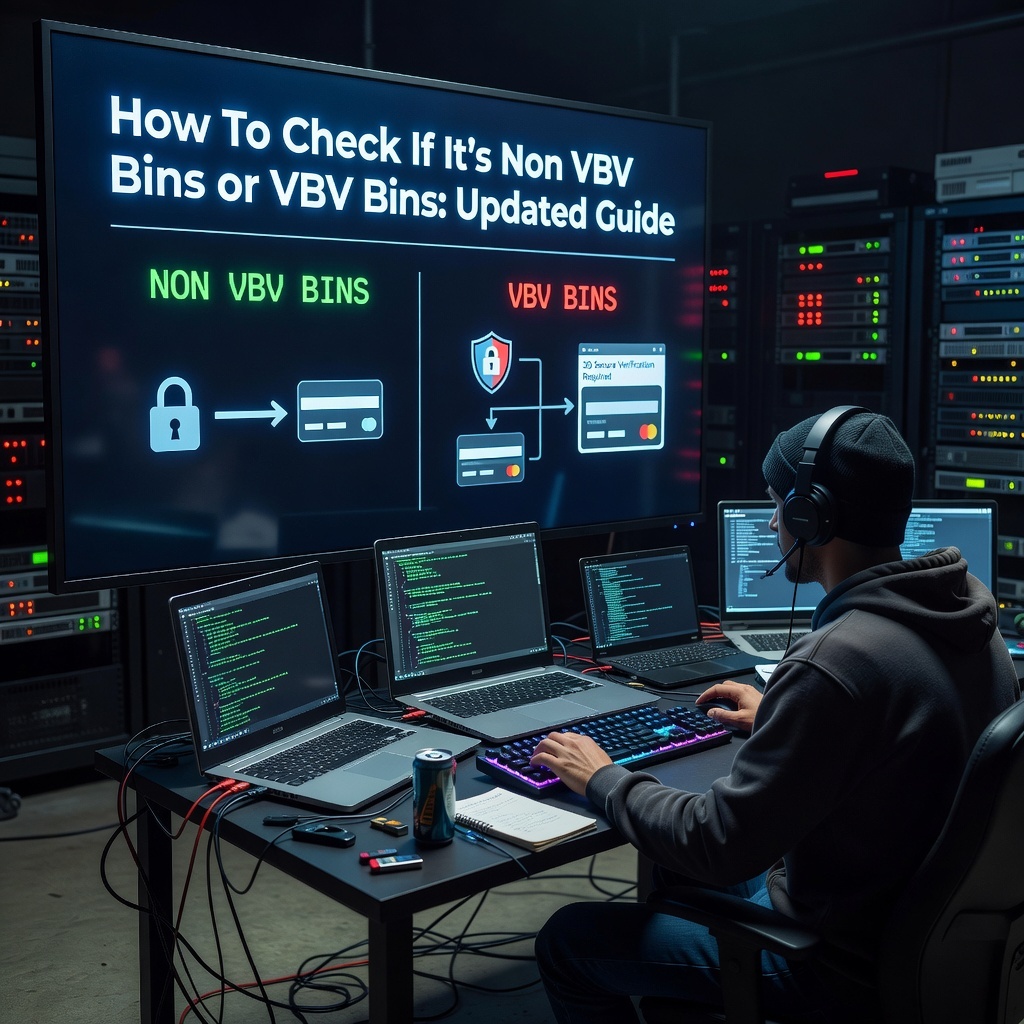
The fastest way to check if a bin is non VBV or VBV is to use a BIN checker tool. These tools look up the first six digits of a card and return information about the issuing bank, card type, and VBV status.
There are several BIN checker tools available in 2026. Some are free. Some are paid. Some are built into carding shops. The most reliable ones are integrated into trusted shops like cvvplug.com and nonvbvshops.com.
How to Use a BIN Checker
First, get the first six digits of the card. This is the BIN. Second, enter the BIN into the checker tool. Third, review the results. The tool will tell you the issuing bank, card type, and whether the bin is flagged as non VBV or VBV.
Limitations of BIN Checkers
BIN checkers are not 100 percent accurate. They rely on databases that may not be updated in real time. A bin that was non VBV last week might be VBV today. Banks can change their security settings at any time.
Also, two cards from the same BIN can have different security profiles. One might be non VBV. The other might be VBV because the cardholder enrolled in additional security. A BIN level check does not catch this.
BIN checkers are a good first step but should not be your only verification method.
Method 2 – Test Transaction
The most reliable way to check if a bin is non VBV or VBV is to run a small test transaction. This confirms the card works and the bin is non VBV.
How to Run a Test Transaction
First, source a fresh non VBV card from a trusted shop. fullzplug.to, cvvplug.co, cardingclub.ru, or nonvbvshop.net.Second, set up your ghost environment. Residential proxy matching the card state. Fresh antidetect profile. Clean browser fingerprint.
Third, choose a test merchant. The best test merchants in 2026 are digital goods sites like G2A, Kinguin, CDKeys, eGifter, and Gyft. These sites have low friction checkout flows. They do not care about CVV on small amounts. They approve or decline within seconds.
Fourth, add a low ticket item to your cart. $5 to $20. Nothing expensive.
Fifth, proceed to checkout. Enter the card details. For the CVV field, try leaving it blank first. If the site requires a CVV, enter the one provided by your vendor. If that declines, try 000 or 111. Some non VBV bins accept any three digits.
Sixth, submit the transaction. Watch what happens.
Interpreting the Results
If the transaction approves, the card is alive and the bin is non VBV or at least works on this merchant. You can scale up to higher amounts.
If the transaction declines with a message like “transaction not approved” or “card declined”, the card may be dead or the bin may be VBV. Try a different test merchant to confirm.
If the transaction redirects to a 3DS page asking for a password or code, the bin is VBV. This card is useless for non VBV methods. Burn it.
If the transaction rejects the CVV, the site is enforcing CVV checks. Try a different test merchant that has weaker CVV enforcement.
Why Test Transactions Are the Most Reliable Method
Test transactions give you real world confirmation. They tell you exactly what will happen when you try to use the card on a real site. They catch the nuances that BIN checkers miss. They confirm the card is alive, the AVS matches, and the bin is non VBV.
A test transaction takes two minutes per card. It saves you hours of frustration and wasted setup time.
Conclusion
Checking if a bin is non VBV or VBV is the most critical skill in carding. You can have the best setup, the cleanest proxies, and the perfect target site. But if you are using a VBV card, you will hit a 3DS wall every time. The transaction dies before it even starts.
Use multiple methods to check. BIN checkers for a quick first look. Manual analysis for clues. Vendor verification for proof. Test transactions for confirmation. Always confirm with a test transaction. It takes two minutes and saves you hours of frustration.