DIY
DIY
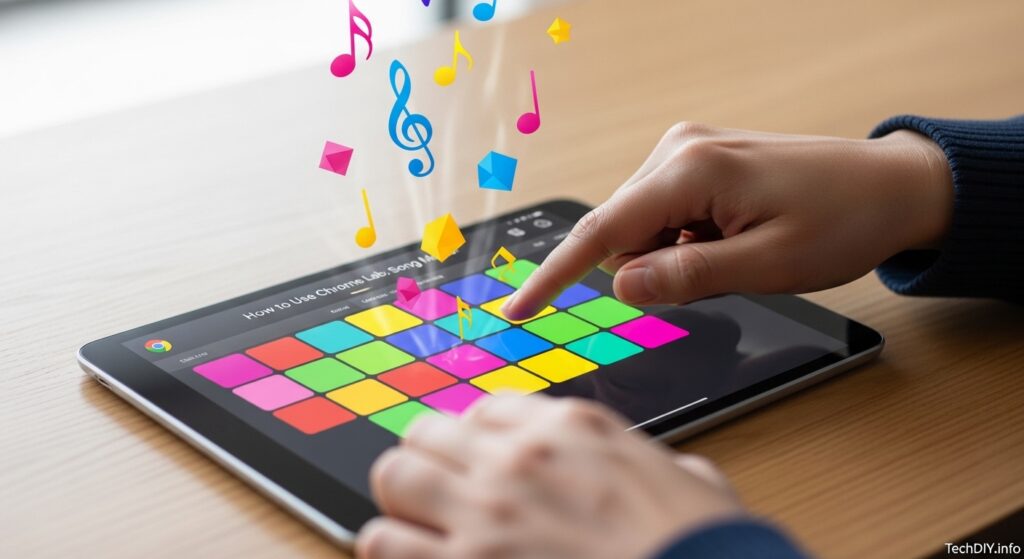
Have you ever wanted to make your own beats but felt overwhelmed by complicated software? You are not alone. If that sounds like you, this complete beginner’s guide to Chrome Music Lab is exactly what you need.
This free website makes exploring sound incredibly fun and easy. In this guide, you will learn exactly how to navigate the site, create your first song, and save your musical masterpieces.

What is Chrome Music Lab?
Created by Google in 2016 for Music In Our Schools Month, this platform is a brilliant collection of interactive online music experiments. It was designed to make learning music accessible to everyone, regardless of age or skill level.
The real beauty of music lab Google is how it connects music to math, science, and visual art. You do not need to download anything, install an app, or create an account to use it.
It runs entirely in your web browser on phones, tablets, and computers. Because it is so lightweight, it is perfect for classrooms, homeschooling, or just playing around at home.
Getting Started: Opening Chrome Music Lab
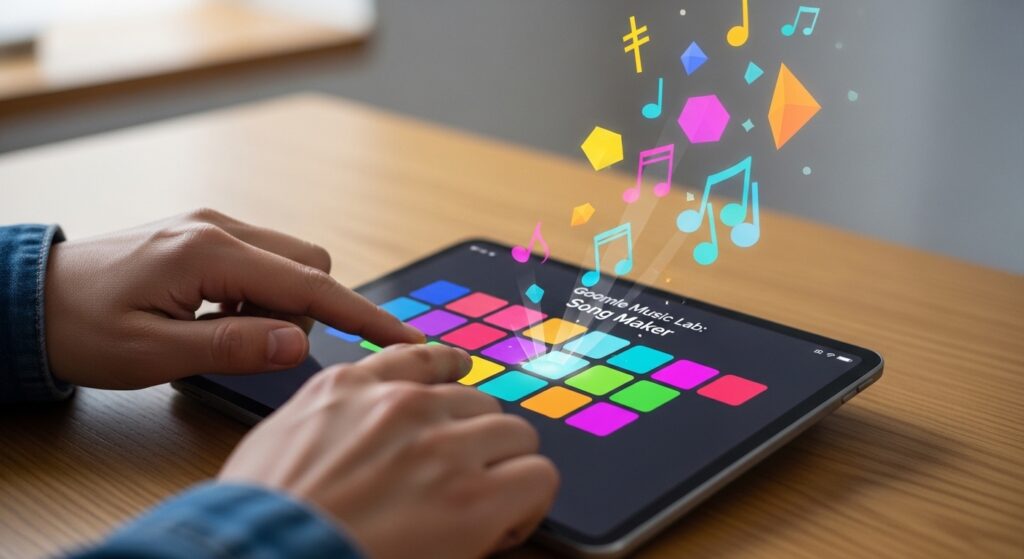
To get started, simply go to the official Chrome Music Lab website in your web browser. You will immediately see a grid layout full of colorful icons, with each tile representing a different experiment.
While it works best on Google Chrome, the platform also runs smoothly on Safari, Edge, and other modern browsers. Because it is entirely web-based and free, it stands out as one of the absolute best beginner music tools available today.
Exploring the Main Experiments
When you first open the site, you might not know what to click first. Here is a quick breakdown of the most popular tools to help you dive in:
| Experiment Name | What It Does |
|---|---|
| Song Maker | This is the flagship tool of the site where you can compose full songs and multi-track loops. |
| Rhythm | This experiment features animated characters playing percussion instruments to help you learn beats and time signatures like 3/4 or 4/4 time. |
| Spectrogram | This tool visualizes sound frequencies in real-time, showing you exactly how sound waves look for different instruments or even your own voice. |
| Chords | This feature teaches you major and minor chords using a simple, interactive piano interface. |
If you enjoy exploring accessible software like this, check out our favorite DIY Tech Tools for more creative web apps you can use right now.
The Intersection of Art and Audio: The Kandinsky Experiment
One of the coolest features on the platform is the Kandinsky experiment. It was inspired by the artist Wassily Kandinsky, who compared the act of painting to making music.
In this tool, you can draw circles, triangles, and squiggly lines directly on your screen. When you hit the play button, the site magically turns your drawings into sound.
Different colors and shapes represent different instrument groups. For example, drawing a triangle might create a percussive sound, while drawing higher up on the screen creates a higher pitch.
Creating Your First Song
Song Maker is easily the most popular tool on the site. Here is a step-by-step guide to creating your very first track:
- Step 1: Click on the large upper grid to add your melody notes. The higher you click on the grid, the higher the pitch will be.
- Step 2: Use the two bottom rows of dots to add a percussion beat. The bottom row is for low drum sounds, and the top row is for high drum sounds.
- Step 3: Change your instruments by clicking the buttons at the bottom. You can easily swap a marimba for a synth, or switch a woodblock for an electronic drum kit.
- Step 4: Adjust the tempo slider at the bottom to speed up or slow down your track.
Advanced Tweaks: Unlocking the Settings Menu
If you want more control over your song, click the gear icon in Song Maker to open the Settings menu. This feature elevates the tool from a simple toy into a real platform for digital music creation.
Here, you can change your song’s length from the default 4 bars all the way up to 16 bars. You can also adjust the musical scale from Major to Pentatonic or Chromatic to completely change the mood.
You can even click the microphone icon to sing a note, and Song Maker will automatically place that note on the grid for you. If you own a USB MIDI keyboard, you can plug it in and play notes directly into your web browser.
Saving and Sharing Your Creations
You do not need a user account to save your work, which is a huge relief. When you finish a song in Song Maker, just click the save button located in the bottom right corner.
The site generates a unique URL link that you can instantly copy and send to friends, parents, or teachers. No files are actually downloaded to your computer unless you want them to be.
If you do want to keep the files, you can download your song as a WAV audio file for standard listening. You can also download it as a MIDI file, which is highly useful for older musicians.
Tips for Kids and Adults
This platform is incredibly versatile for people of all ages. For kids, focus on the visual feedback, color coordination, and developing a basic sense of rhythm. It serves as a fantastic introduction to Online Learning Apps.
For adults and older students, downloading MIDI files is a total game-changer. You can export your rough ideas from Chrome Music Lab and drop those MIDI files into professional Digital Audio Workstations (DAWs) like GarageBand, Soundtrap, or FL Studio.
If you want to keep your children safely entertained while learning new skills, explore more Tech Tips for Kids.
Pros and Cons of Chrome Music Lab
To be completely honest, no digital tool is perfect. Here is a quick look at the pros and cons of using this platform.
Pros:
- It is completely free to use with no login or password required.
- The interface is incredibly visual and easy for absolute beginners to understand.
- It works on almost any modern device, making it great for shared classroom tablets or home computers.
Cons:
- Song Maker is somewhat limited, allowing only one melodic instrument and one percussion line at a time.
- It lacks advanced music theory instruction and deep editing features that professional musicians might want.
- It requires an active internet connection to load the platform and experiments.
Troubleshooting and FAQs
Why can’t I hear any sound?
First, check your device volume and ensure your web browser tab is not accidentally muted. If it still does not work, try refreshing the page or switching to the Google Chrome browser.
Do I need an app to use this on my iPad?
No app is needed. The platform runs smoothly directly inside the Safari or Chrome browser on your tablet.
Can I use the music I make in a YouTube video?
Yes! The experiments were built using freely accessible web technology like the Web Audio API. Because it is open-source, your creations are yours to use for personal and educational projects.
Conclusion
Chrome Music Lab is a brilliant, zero-friction way to start making music today. It strips away the intimidating interfaces of professional software and leaves you with pure, creative fun.
Whether you want to learn about sound waves, teach a child about rhythm, or just kill ten minutes making a catchy beat, this site delivers. Jump in, click around, and see what kind of sounds you can invent!