DIY
DIY
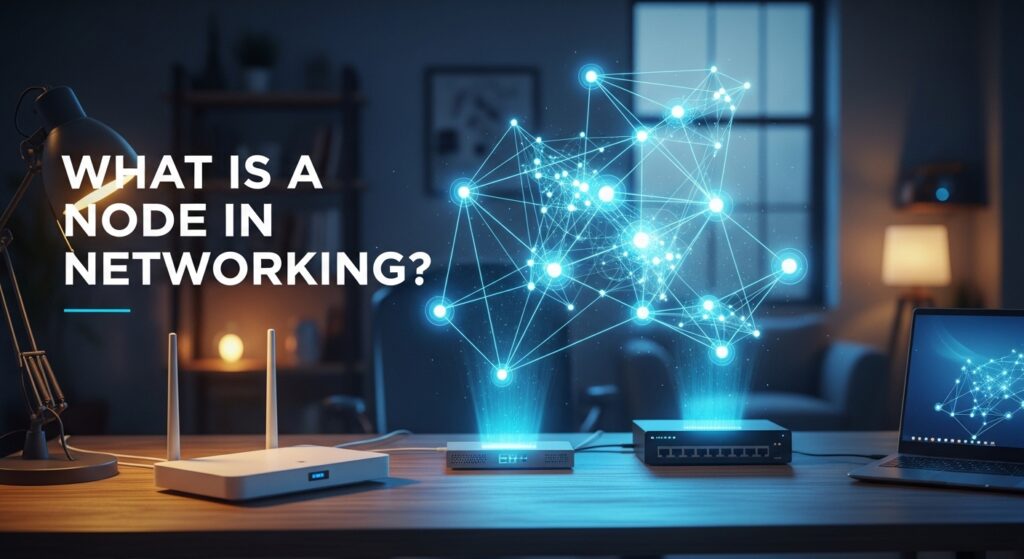
Whether you are setting up a basic Wi-Fi network for your smart home or building a 10-gigabit Proxmox cluster in your basement, you are fundamentally connecting “nodes”. But what does that actually mean?
In the simplest terms, a node is any physical or virtual device within a network that can send, receive, create, or forward data. To understand how networks operate, you can compare them to a postal system: the ethernet cables and Wi-Fi signals are the roads, the data packets are the mail being delivered, and the network nodes are the houses and post offices that process, handle, and receive that mail.

How Do Nodes Communicate? The Basics of Addressing
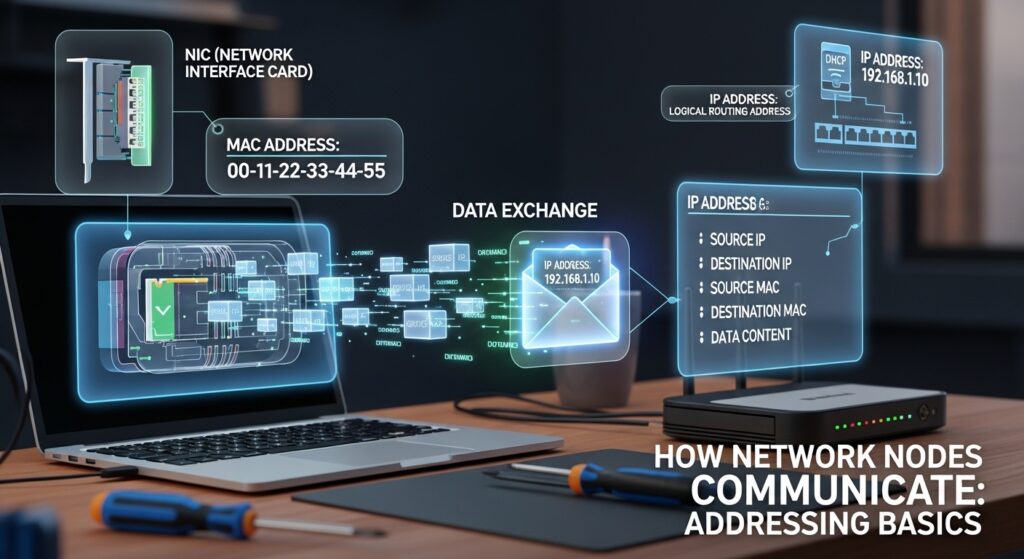
For nodes to successfully exchange data packets on a Local Area Network (LAN), they must be able to identify each other. This is accomplished using two primary types of network addresses:
- MAC Addresses: Every physical network node has a Media Access Control (MAC) address. This is a unique, 48-bit hardware identifier permanently burned into the device’s Network Interface Card (NIC) by the manufacturer.
- IP Addresses: While MAC addresses handle local physical identification, Internet Protocol (IP) addresses provide logical routing. Your router’s DHCP server dynamically assigns IP addresses to nodes so that data can be effectively routed across different subnets and out to the broader internet.
- Data Packets: When communication occurs, nodes package the transmitted data into small, manageable blocks called packets or frames to traverse the network pathways.
The Two Main Types of Network Nodes
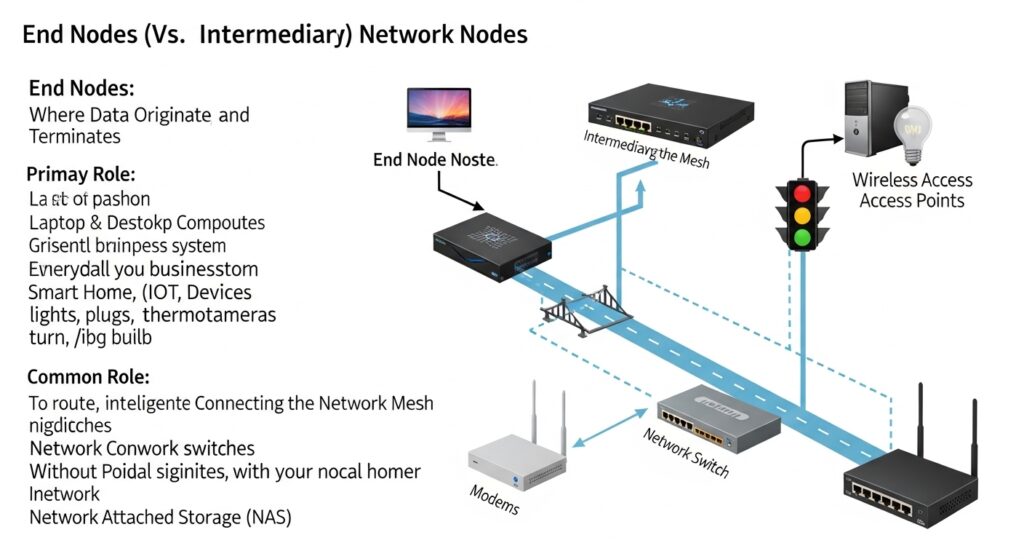
To better visualize network architecture, we can categorize nodes into two primary groups based on their role:
| Node Category | Definition | Role in the Network | Common Examples |
|---|---|---|---|
| End Nodes (Hosts) | The terminal devices where data originates or is ultimately consumed. | To consume, generate, or interact with data. | Laptops, smart TVs, IoT devices, smartphones, NAS drives. |
| Intermediary Nodes | Hardware that connects other nodes together. | To route, forward, and manage data traffic across the network mesh. | Routers, network switches, modems, wireless access points. |
Nodes Contextualized by the OSI Model (Layer 2 vs. Layer 3)
Understanding how intermediary nodes operate requires looking at the OSI (Open Systems Interconnection) model, which dictates how data is handled at different network layers:
- Layer 1 Nodes (Physical): Legacy devices like network hubs and repeaters operate here. They do not read MAC or IP addresses; they simply duplicate electrical signals and broadcast them to every connected port.
- Layer 2 Nodes (Data Link): Network switches operate at this layer. A switch is an intelligent node that builds a “MAC Address Table” in its memory. Instead of shouting to the whole network, a switch efficiently routes frames only to the specific port where the destination MAC address lives.
- Layer 3 Nodes (Network): Routers operate here. These nodes read IP addresses to route packets between completely different subnets and distinct LANs, making the decisions needed to connect your home to the global internet.
Physical vs. Virtual Nodes: The Modern Infrastructure
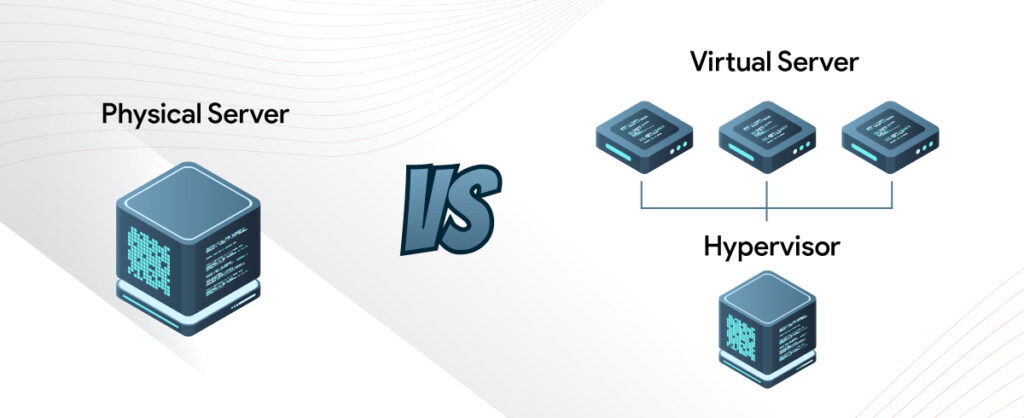
In the modern era of computing, a network node isn’t always a physical box you can touch.
Physical Nodes (often called “bare metal”) refer to dedicated hardware, like a physical desktop or a recognizable server chassis with its own motherboard, CPU, and memory.
Virtual Nodes, on the other hand, rely on software abstraction. Using a hypervisor like Proxmox or VMware ESXi, a single physical server (the host node) can be divided to host dozens of Virtual Machines (VMs). Each VM acts as its own completely independent network node, complete with a virtual NIC (vNIC), a unique MAC address, and its own IP address.
Similarly, in containerized environments, a “node” in a Kubernetes cluster represents a worker machine (which can be physical or virtual) that runs containerized applications, all managed centrally by a Master Node.
Real-World Examples: Nodes in Your Home Network & Homelab
To bring these concepts into your physical environment, look around your house:
- The Gateway: Your home router/modem combo acts as the central intermediary node, bridging your private LAN to the public WAN (the Internet).
- IoT Saturation: Every single smart bulb, Wi-Fi camera, and connected thermostat is an individual end node. This heavy saturation of Internet of Things (IoT) devices is exactly why modern DIY home networks require robust switches and high-end wireless access points to handle the traffic of 50+ nodes simultaneously.
Network Topologies: How Nodes are Arranged
The physical or logical layout of how nodes connect to each other is known as a network topology.
- Star Topology: The most common setup in DIY networking. All end nodes (computers, phones) connect to one central hub or router node. If a single end node fails, the rest of the network is unaffected.
- Mesh Topology: Highly popular for DIY smart homes and enterprise Wi-Fi. In a mesh network, nodes (like Zigbee or Z-Wave smart home hubs) connect directly to multiple other nodes. This decentralized approach provides redundant paths, meaning if one node fails, data simply reroutes through another.
Nodes in Distributed Systems and High Availability (HA)
For homelabbers, nodes can work together to create massive computing power and redundancy.
Clustering involves grouping multiple physical servers to act as a single, unified system. In environments like Proxmox VE, each physical machine is a “node” in the cluster. Advanced setups feature specialized roles, where Compute Nodes exclusively handle processing power (CPU/RAM), while a dedicated Storage Node (like TrueNAS) handles all the data.
To prevent downtime, clusters utilize High Availability (HA). In an HA cluster, you generally need an odd number of nodes to establish a “quorum” (a majority vote). This ensures that if one node loses power, the remaining nodes can vote on which node takes over the failed workloads, preventing the system from collapsing.
Decentralized and P2P Networks (Edge Computing & Web3)
Stepping outside the traditional client-server model, some networks treat every node as an equal participant.
- Peer-to-Peer (P2P): In a BitTorrent swarm, every computer downloading a file acts as a node that is simultaneously uploading data to other nodes.
- Blockchain Networks: In decentralized ledgers like Bitcoin, nodes validate and broadcast transactions without a central authority. A “Full Node” stores the entire transaction history of the blockchain (something you can DIY on a Raspberry Pi), while “Light Nodes” only download block headers to verify transactions on mobile devices.
- Edge Nodes: In IoT networks, edge computing pushes data processing to the “edge” of the network. Instead of sending all raw data to a centralized cloud, an edge node processes information locally to drastically reduce latency and bandwidth usage.
Why Understanding Nodes Matters for DIY Techs
Grasping node terminology is a highly practical skill for any DIY tech enthusiast:
- Troubleshooting: Understanding the difference between nodes speeds up repairs. Diagnosing a “node failure” efficiently comes down to knowing if it is an end node dropping offline (like a dead PC) or an intermediary node failing (like a dead switch taking down an entire room).
- Capacity Planning: Knowing exactly how many nodes your network supports prevents bottlenecks. Keeping track of your node count helps ensure your router’s DHCP pool doesn’t run out of IP addresses and your unmanaged switch doesn’t become overwhelmed by traffic.
Troubleshooting and FAQs
Is a computer a node?
Yes. Any computer connected to a network is considered an end node (or host).
Is a node the same as a server?
Not necessarily. A server is a specific, specialized type of node designed to provide data, resources, or services to other nodes. While all servers are nodes, not all nodes are servers (your smartphone is a node, but not a server).
Does a node need an IP address?
Yes. In order to communicate on modern IP-based networks, an active node requires both a physical MAC address and a logical IP address to route data properly.
What happens if a node fails?
This depends entirely on your network’s topology. If an end node (like a smart TV) fails, only that specific device goes offline. However, if a central intermediary node (like your main network switch or router) fails, the entire network segment relying on that node will go down.