DIY
DIY
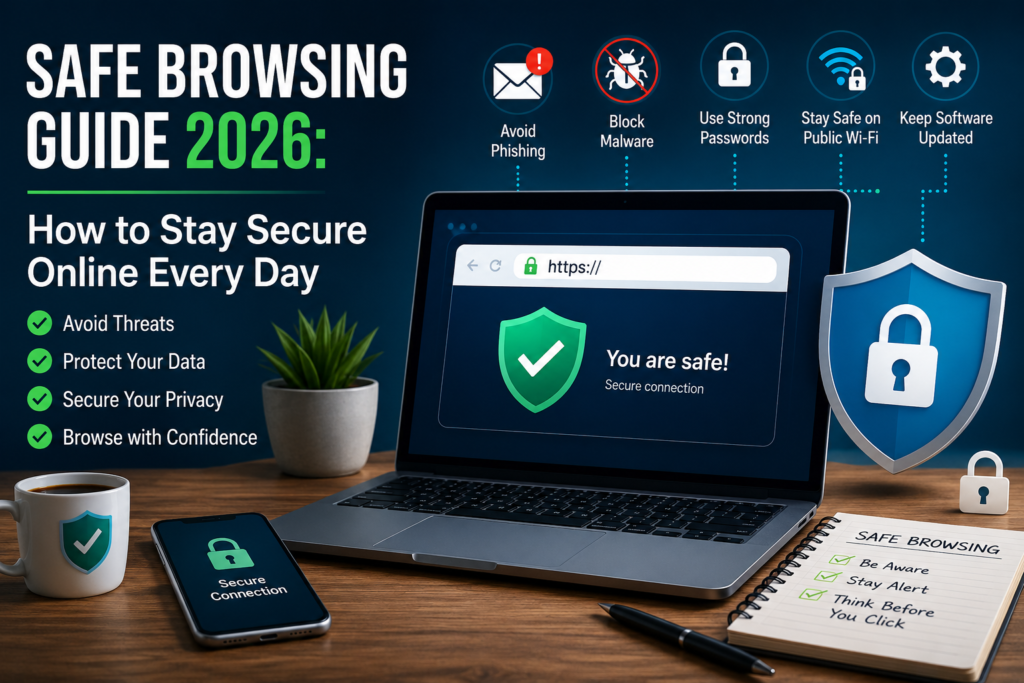
Safe browsing is more important than ever as cyber threats continue to evolve in 2026. From phishing scams and fake websites to malware and data theft, internet users face new risks every day. Whether you’re shopping online, managing your finances, working remotely, or simply browsing your favorite websites, understanding how to stay secure online can help protect your personal information and digital privacy. This Safe Browsing Guide 2026 covers practical, easy-to-follow tips that will help you browse the web with greater confidence and reduce your exposure to common online threats.
Safe Browsing Guide 2026: How to Stay Secure Online Every Day
The internet has become an essential part of daily life. Whether you’re working remotely, shopping online, managing your finances, learning new skills, or simply browsing your favorite websites, staying safe online has never been more important. Cybercriminals continue to develop new tactics to steal personal information, spread malware, and trick users into revealing sensitive data. Fortunately, practicing safe browsing doesn’t require advanced technical knowledge. A few smart habits can dramatically reduce your risk.

This Safe Browsing Guide 2026 explains the most common online threats and shares practical steps you can take to browse the web safely every day. Whether you’re using a computer, smartphone, or tablet, these tips will help you protect your privacy, secure your accounts, and enjoy a safer online experience.
What Is Safe Browsing?
Safe browsing refers to using the internet in a way that minimizes security and privacy risks. It involves recognizing suspicious websites, protecting personal information, avoiding harmful downloads, and using secure browsing practices whenever you’re online.
Safe browsing isn’t about avoiding the internet. Instead, it’s about making informed decisions before clicking links, downloading files, or sharing sensitive information. As cyber threats continue to evolve, safe browsing has become a basic digital skill that everyone should learn.
Why Safe Browsing Matters in 2026
Cybercrime continues to grow because attackers know that many people still reuse passwords, ignore software updates, or trust convincing phishing emails. At the same time, artificial intelligence has made it easier for scammers to create realistic fake websites, emails, and messages that appear legitimate.
A single careless click can lead to stolen passwords, financial fraud, identity theft, or malware infections. Businesses and individuals alike are frequent targets because attackers often look for the easiest opportunity rather than a specific victim.
Developing safe browsing habits reduces these risks significantly. While no security measure is perfect, combining several good practices creates multiple layers of protection.
Common Online Threats
Understanding the dangers you may encounter online is the first step toward avoiding them.
Phishing
Phishing remains one of the most common online attacks. Criminals create fake emails, text messages, or websites that imitate trusted companies. Their goal is to convince you to enter passwords, payment details, or other sensitive information.
Malware
Malware is malicious software designed to damage devices or steal information. It may arrive through infected downloads, fake software installers, malicious advertisements, or compromised websites.
Fake Websites
Some websites are built specifically to impersonate banks, online stores, or popular services. They often look almost identical to legitimate websites, making them difficult to recognize without careful inspection.
Online Scams
Scammers frequently promise prizes, investment opportunities, giveaways, or urgent security alerts to pressure users into acting quickly without verifying the information.
Data Tracking
Not every online threat involves criminals. Many websites collect browsing habits for advertising purposes. While not necessarily malicious, excessive tracking can reduce your online privacy.
How to Identify Safe Websites
Before interacting with any website, take a few seconds to evaluate whether it appears trustworthy.
Start by checking the web address carefully. Cybercriminals often register domains that closely resemble legitimate brands but contain extra letters, numbers, or unusual spellings.

Look for HTTPS in the address bar. This indicates that data exchanged between your browser and the website is encrypted. While HTTPS doesn’t guarantee a site is trustworthy, legitimate websites almost always use it.
Be cautious if a website is filled with pop-ups, spelling mistakes, poor design, or unrealistic promises. Professional websites usually provide clear contact information, privacy policies, and consistent branding.
If you’re shopping online, read independent reviews and verify that the business has an established reputation before making a purchase.
Protect Yourself from Phishing Attacks
Phishing attacks are becoming increasingly sophisticated, but there are warning signs you can watch for.
Never click links in unexpected emails asking you to verify your account or reset your password. Instead, visit the company’s website manually by typing its address into your browser.
Be skeptical of urgent messages claiming your account will be suspended unless you act immediately. Creating panic is one of the most common phishing tactics.
Check the sender’s email address carefully. Even if the display name appears familiar, the actual email address may reveal that the message is fraudulent.
If you’re unsure whether a message is genuine, contact the company directly using official contact information rather than replying to the email.
Practice Safe Download Habits
Downloading files from untrusted sources is one of the fastest ways to infect a device.
Only download software from official developer websites or trusted app stores. Avoid websites that promise free versions of paid software, as they often distribute modified installers containing malware.
Before opening downloaded files, ensure your security software scans them automatically. Be especially cautious with executable files, compressed archives, and documents that request you to enable macros.
If a website forces multiple download buttons or redirects you repeatedly, leave immediately. Legitimate download pages are usually straightforward and easy to understand.
Keep Your Browser Updated
Modern browsers receive frequent security updates that fix newly discovered vulnerabilities.
Using an outdated browser leaves your device exposed to attacks that have already been patched.
Enable automatic updates whenever possible. Popular browsers continuously improve security by blocking malicious websites, warning users about dangerous downloads, and strengthening privacy protections.
Updating your operating system is equally important because many attacks target underlying system vulnerabilities rather than the browser itself.
Use Strong Passwords and Multi-Factor Authentication
Passwords remain the first line of defense for most online accounts.
Create unique passwords for every important account instead of reusing the same password across multiple websites. A password manager can generate and securely store complex passwords, making them easier to manage.
Whenever available, enable multi-factor authentication (MFA). This adds another verification step, such as a temporary code or authentication app, making it significantly harder for attackers to access your account even if your password is compromised.
Stay Safe on Public Wi-Fi
Public Wi-Fi networks found in airports, hotels, restaurants, and cafes are convenient but may not always be secure.
Avoid logging into banking websites or entering sensitive information while connected to public networks unless absolutely necessary.
Disable automatic Wi-Fi connections on your devices so they don’t connect to unknown networks without your knowledge.
If you frequently use public Wi-Fi, keeping your device updated and ensuring websites use HTTPS helps reduce potential risks.
Safe Browsing on Mobile Devices
Smartphones deserve the same level of protection as desktop computers.
Install apps only from official app stores and review requested permissions before granting access. If an app requests unnecessary permissions, consider whether you really need it.
Enable screen locks using a PIN, password, fingerprint, or facial recognition. This protects your personal information if your device is lost or stolen.
Keep your mobile operating system updated, uninstall apps you no longer use, and avoid clicking suspicious links received through text messages or messaging apps.
Protect Your Privacy Online
Privacy and security often go hand in hand.
Review browser privacy settings and limit unnecessary tracking where possible. Regularly clear cookies and browsing data if you use shared devices.
Be mindful about the personal information you share publicly on social media. Details such as birthdays, addresses, workplaces, or travel plans can sometimes help scammers build convincing attacks.
Before signing up for new services, take a moment to review their privacy practices and understand how your information may be used.
Common Safe Browsing Mistakes to Avoid
Even experienced internet users make mistakes that increase their exposure to online threats.
Some of the most common include:
- Reusing passwords across multiple accounts.
- Ignoring browser or software updates.
- Clicking links without verifying their source.
- Downloading files from unfamiliar websites.
- Oversharing personal information online.
- Using weak passwords that are easy to guess.
- Ignoring browser security warnings.
- Connecting automatically to unknown Wi-Fi networks.
Avoiding these habits greatly improves your overall online security.
Frequently Asked Questions
Is HTTPS enough to know a website is safe?
No. HTTPS encrypts your connection but doesn’t guarantee the website itself is trustworthy. Always verify the website’s identity before entering sensitive information.
Do I need antivirus software?
Security software provides an additional layer of protection against malware and other threats. Combined with safe browsing habits, it helps reduce risk.
How often should I update my browser?
Install updates as soon as they become available. Most modern browsers update automatically, and enabling this feature is recommended.
Are browser extensions always safe?
No. Install extensions only from trusted sources, review permissions carefully, and remove any extensions you no longer use.
What should I do if I think I visited a malicious website?
Close the page immediately, avoid downloading anything, run a security scan on your device, and change passwords if you believe sensitive information may have been exposed.
Final Thoughts
Safe browsing is less about using special tools and more about developing smart habits. Staying alert, verifying websites before sharing information, keeping your devices updated, and using strong authentication can significantly reduce your exposure to online threats.
As cybercriminals continue to adapt their techniques in 2026, maintaining good digital security practices is one of the best investments you can make. By following the guidance in this safe browsing guide, you’ll be better prepared to protect your personal information, your devices, and your online accounts every day.